One design. Two real outcomes.
Like where this is going?
Send some love, or tell me how you would use it.
Explore the product in three steps
Processed locally · No file uploads
Template reuse in three steps
Prepare the template
Mark editable slots and set content limits.
Give your AI the content rules
Use the template rules to guide your AI.
Review an editable PowerPoint
Check the output in PowerPoint.
FAQ
Can I upload my own PowerPoint template now?
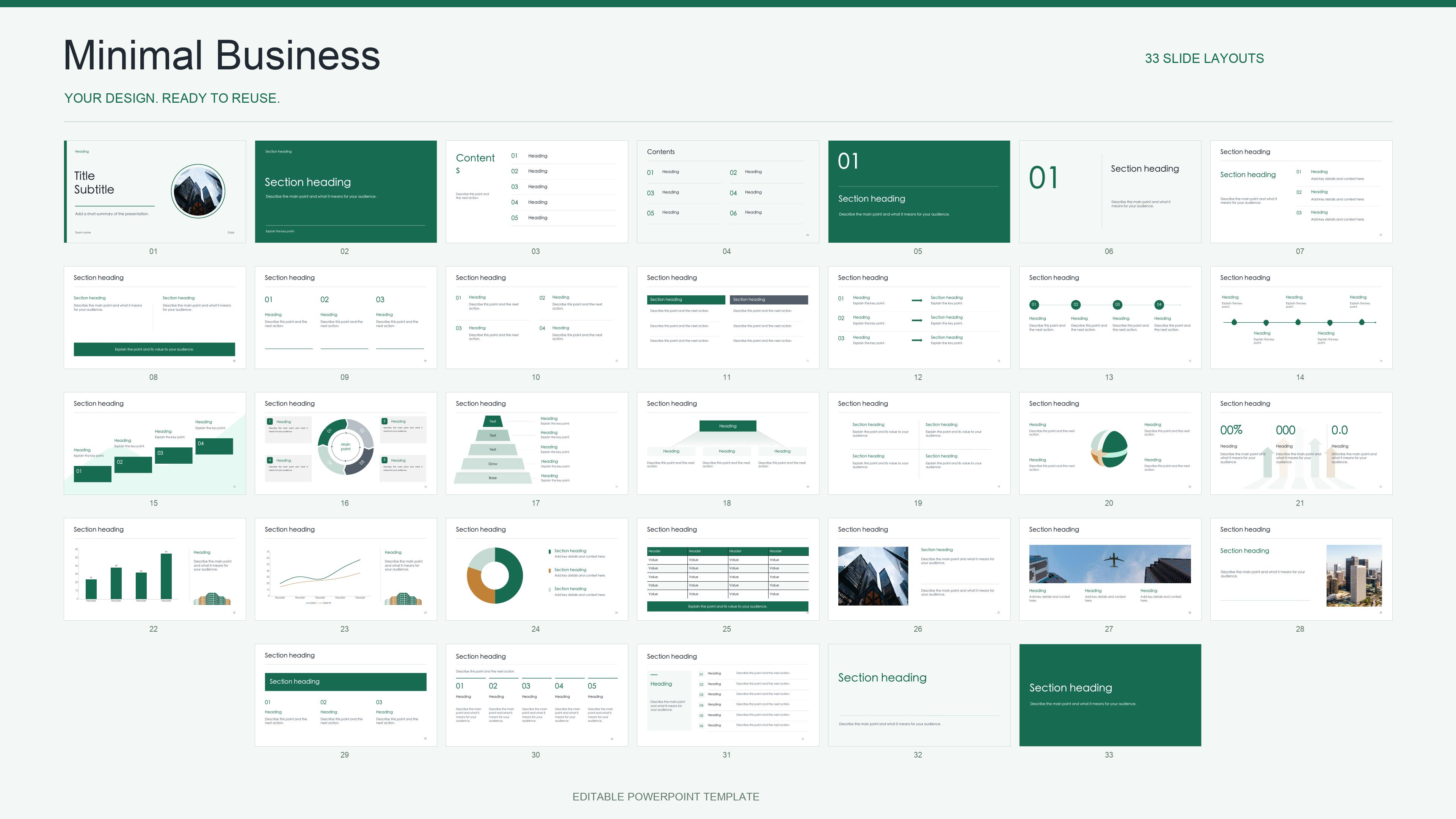
Not yet. This public demo uses the built-in 33-slide template; the upload control is disabled. Apply for an early trial to discuss your template and recurring report workflow.
Does the demo generate a presentation with AI?
The demo lets you edit template markings, node text, and layout, then download a modified PPTX. The generated report examples were prepared in advance with the existing template runtime. Full self-service AI generation is still in development.
Can I keep editing the downloaded file in PowerPoint?
The downloads are PPTX files with editable PowerPoint objects. The browser preview approximates the design; fonts, charts, and complex effects may look different. Check the downloaded file in your PowerPoint environment. We do not claim compatibility with every Office version, Keynote, or Google Slides.
Are my presentation files uploaded by the demo?
The built-in template is parsed and exported in your browser. There is no user-file upload in the current demo. The early-trial form is a separate Tally form; it is not a template upload service.
Your next report starts with your design.
Tell us about your use case and apply for the first template trials.